
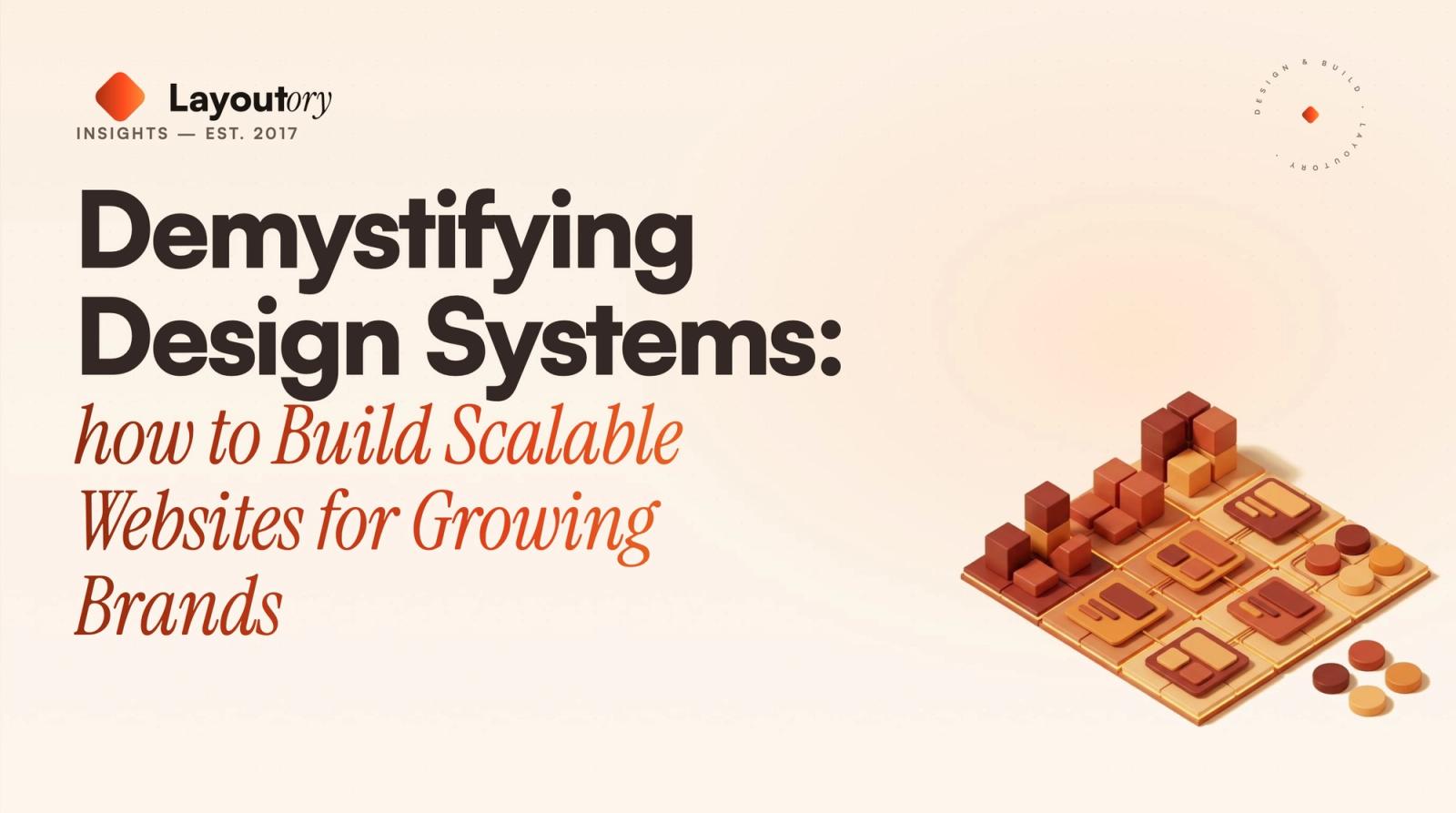
What Is a Design System?
A design system is a comprehensive collection of reusable components, design standards, and documentation that guides the creation of digital products. For growing brands, a design system ensures consistency, speeds up development, and enables scalability. Think of it as a toolkit and rulebook combined, empowering designers and developers to work faster and more cohesively.
Why Design Systems Matter for Growing Brands
As brands expand, so do their digital needs. More pages, features, and teams introduce complexity. Without a unified system, inconsistencies creep in—hurting user experience, brand perception, and maintainability. Design systems solve these pain points by providing:
- Consistency: Uniform patterns and components create a cohesive brand experience.Scalability: Quickly roll out new pages and features with pre-defined building blocks.Efficiency: Reduce design and development time with reusable assets.Collaboration: Designers, developers, and marketers can speak the same visual language.Quality: Fewer bugs and design discrepancies through standardization.
Core Components of a Modern Design System
A robust design system typically includes the following elements:
- Visual Style Guide: Defines color palettes, typography, spacing, and imagery.UI Components: Buttons, forms, cards, navigation menus, and other interface elements.Design Tokens: Variables for spacing, color, font sizes, etc., ensuring design is code-ready.Documentation: Usage guidelines, dos and don’ts, accessibility standards, and code snippets.Brand Voice and Tone: Copywriting principles for headlines, calls to action, and microcopy.
How to Build a Design System for Your Brand Website
1. Start with a Design Audit
Begin by reviewing your existing website and digital assets. Identify inconsistencies in colors, fonts, button styles, and layouts. Document what works and what doesn’t. This audit provides a baseline for your design system.
2. Define Your Brand Foundations
Establish the core visual elements: logos, color palettes, typography, and iconography. These choices reflect your brand’s personality and set the tone for all digital experiences. Make sure your color palette is accessible and your fonts are web-friendly.
3. Build UI Components
Design and code a library of reusable components, such as buttons, forms, cards, alerts, and modals. Ensure each component is flexible enough to handle various use cases. Use atomic design principles—start with small building blocks (atoms), combine them into molecules, and assemble into complex organisms.
4. Document Everything
Clear documentation is the backbone of a successful design system. Document how and when to use each component, accessibility considerations, and code examples. Well-maintained documentation lowers the learning curve for new team members and encourages consistent usage.
5. Integrate with Development Workflows
A design system is most effective when deeply integrated into your development process. Use tools like Storybook or Figma to bridge the gap between design and code. Automate component testing and provide code snippets for rapid implementation.
6. Iterate and Evolve
A design system is a living product—expect it to grow and adapt. Gather feedback from users and stakeholders, monitor analytics, and update components as your brand’s needs change. Schedule regular reviews to ensure ongoing relevance and quality.
Choosing the Right Tools for Your Design System
Selecting the right tools is critical for long-term success. Here’s a quick comparison of popular options:
| Tool | Purpose | Key Features |
|-------------|-------------------------------|-----------------------------------------------|
| Figma | Design & Prototyping | Collaborative, design tokens, plugins |
| Storybook | Component Development | Isolated UI, documentation, testing |
| Zeroheight | Documentation | Connects to Figma, live guidelines |
| Chromatic | Visual Testing | Automated UI review, integrates with Storybook|
| GitHub | Version Control & Collaboration| Code management, pull requests |
Choose tools that align with your team’s workflow, technical stack, and scalability requirements.
Best Practices for Maintaining a Scalable Design System
- Establish clear governance: Assign ownership and guidelines for proposing changes.Foster collaboration: Encourage cross-functional input from designers, developers, and product managers.Automate testing: Use visual regression tools to catch inconsistencies early.Prioritize accessibility: Bake in WCAG standards from the start.Document updates: Keep all documentation current and versioned.
Real-World Benefits: How Design Systems Drive Growth
For scaling brands, the impact of a design system goes far beyond aesthetics. Here’s how:
- Faster time-to-market: Launch new features and campaigns with minimal friction.Consistent brand experience: Every touchpoint reinforces your identity, building trust.Reduced technical debt: Standardized components are easier to update and maintain.Empowered teams: Designers and developers can focus on solving new problems, not reinventing the wheel.
Common Pitfalls and How to Avoid Them
- Overcomplicating the system: Start simple and expand as needed.Ignoring user feedback: Regularly test with real users and iterate.Neglecting documentation: Poor documentation leads to inconsistent adoption.Lack of maintenance: Assign ownership and schedule regular reviews.
Getting Started: Tips for Small Teams and Startups
You don’t need a massive team or budget to reap the benefits of a design system. Start with the basics—define your colors, typography, and a handful of core components. Document as you go. As your brand grows, your system will become a valuable asset that saves time and enhances quality.
Conclusion: Invest in Your Brand’s Digital Future
A design system is more than a buzzword—it’s a strategic investment in your brand’s growth. By demystifying and embracing design systems, you’ll lay the groundwork for scalable, consistent, and future-ready websites. Whether you’re a startup or an established brand, the journey to a robust design system starts with a single, well-documented component. Take that first step today, and watch your digital presence flourish.